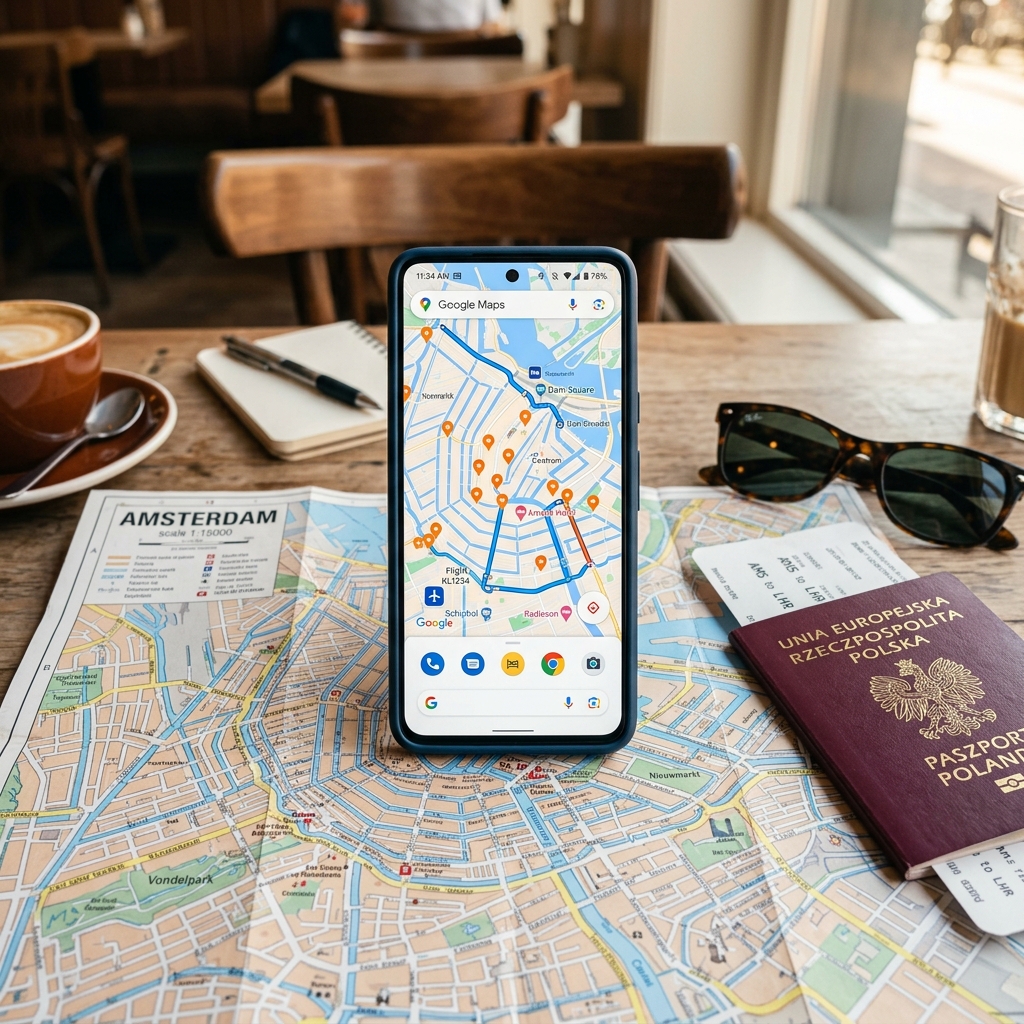
Your phone is the most versatile travel tool you carry. It replaces a paper map, a phrasebook, a currency calculator, a guidebook, a boarding pass, and a concierge — if you have the right apps installed before you leave.
The problem is not finding travel apps. The App Store has thousands. The problem is that most of them are mediocre, redundant, or designed to monetize your attention rather than solve your problems.
This list stays transit-first: maps, tickets, translation, and the apps that still work when the station wifi dies. For the hardware that sits next to those apps — adapters, power banks, and an offline packing stack — see the carry-on packing list for international travel. Public-wifi setup is the VPN guide. Rail tickets and passes sit next to how to book European trains and the Europe by train guide.
Desk listing check: app names, prices, and device limits change. Confirm the current App Store / Play listing and the vendor’s own pricing page before you pay for an annual plan. The Amazon hardware links below are search URLs — open the current product page and confirm capacity and plug types; do not buy from an old photo.
The title and description on this page still say “tested.” That is a ranking frame, not a private lab. This desk does not run a six-continent app test fleet. The picks below are a research synthesis: official feature lists, established reviewer consensus (including Wirecutter-style VPN comparisons already cited on the VPN page), and the failure modes travelers actually hit — dead station wifi, a foreign SIM, an operator app that will not store a ticket. Treat the list as a shortlist to install on home wifi, not a claim that every icon was used on every network.
Navigation and Maps
Google Maps (Free — iOS, Android)
Buying note: There is nothing to buy. The decision is whether you download the offline region before you leave wifi. That one step is the whole product.
Google Maps is the default for a reason. Directions, transit schedules, restaurant reviews, opening hours, and offline maps in one app. Offline maps work without data for driving, walking, and searching for saved places — they do not magically refresh live bus times if the region pack is stale.
What it does best: Transit directions in major cities worldwide. Type in your destination, tap the transit icon, and it tells you which bus, train, or metro to take, which stop to get off at, and when the next one arrives. This works in most European, Asian, and North American cities with remarkable accuracy.
Where it falls short: Rural areas in developing countries often have incomplete map data. Restaurant reviews skew tourist-heavy in popular destinations.
Organic Maps (Free — iOS, Android)
Buying note: Install this as the backup, not as a second Google account. It is fully offline, open-source, and based on OpenStreetMap. No tracking pitch.
Use this when Google Maps requires data you do not have. It is particularly strong for hiking trails and rural areas where OpenStreetMap’s community-contributed data often exceeds Google’s coverage.
Citymapper (Free — iOS, Android)
Buying note: Only worth the home-screen slot if your destination city is in Citymapper’s coverage list. If it is not, skip it — Google Maps already does transit.
For covered cities it is better than Google Maps for public transit: real-time departures, which carriage to stand in for your exit, and mixed walking / transit / bike-share options Google sometimes misses. Coverage includes London, Paris, New York, Tokyo, Berlin, Madrid, and most major European and North American cities. Confirm the city is listed in the current app before you rely on it.
Flights and Transport
Google Flights (Web app — no install needed)
Buying note: Bookmark it. Do not install a third-party “Google Flights” clone from a store listing.
The best flight search engine for flexible dates and a month-wide price graph. Price tracking and the “Explore” map are the features that earn the bookmark. Use it as the primary search, then cross-check Skyscanner.
Skyscanner (Free — iOS, Android)
Buying note: Use the official Skyscanner app or site. Marketplace lookalikes exist.
Skyscanner’s strength is “Everywhere” search and budget carriers that Google Flights occasionally misses, particularly in Asia and the Middle East. Between the two, you will find the lowest available fare.
Trainline (Free — iOS, Android)
Buying note: Trainline is a retailer, not the operator. On some routes the official SNCF, Trenitalia, or DB app is cheaper or is the only place a pass reservation lives. Compare before you pay a booking fee.
The interface is cleaner than most national rail apps and it covers a wide operator set across Europe. Digital tickets and delay status are the useful bits. If you are planning a European train trip, this is one booking app — not the only one.
Rome2Rio (Free — iOS, Android)
Buying note: Treat times and prices as a first pass, then book on the operator or a known retailer. Rome2Rio is a directory, not a ticket.
Enter any two points and it shows flights, trains, buses, ferries, and driving with estimated costs. It answers “how do I even get from A to B?” when A and B are in different countries.
Language and Communication
Google Translate (Free — iOS, Android)
Buying note: The camera pack only works offline if you download the language before you need it. That is the listing check: open the app on home wifi and pull the pack.
Point-at-menu translation is good enough for restaurants, pharmacy labels, and station signage in non-Latin scripts. It is not a substitute for a human on a legal document.
WhatsApp (Free — iOS, Android)
Buying note: Nothing to buy. Confirm your number works for the account before you leave, and that the businesses you booked actually use WhatsApp — in much of Europe, Latin America, Africa, and Asia they do.
It works on wifi without a local phone number, which is why it is useful before a local SIM is in the phone.
Money and Budgeting
Wise (Free — iOS, Android)
Buying note: Order the card before the trip if you want plastic, not just the app. Fee tables change; confirm the current conversion percentage and ATM cap on Wise’s own site, not a blog roundup.
Mid-market rates and a debit card that holds multiple currencies are the reason it sits here. It is not a bank for every country; it is the cheap way to spend for most travelers who would otherwise pay a 3% foreign-transaction fee.
XE Currency (Free — iOS, Android)
A simple converter that caches rates for offline use. One job. Confirm you have opened it on wifi once so the cache is fresh.
Trail Wallet (Paid, typically $4.99 — iOS)
Buying note: Confirm the current App Store price and that you are on iOS. Android travelers should skip it rather than hunt a clone.
A daily-budget tracker with a running average. Worth a few dollars if you are on a hard cap. The broader money strategy is traveling internationally on a budget.
Safety and Practical Tools
VPN App (NordVPN or ExpressVPN — Paid)
Buying note: Pay the vendor, not a random “VPN for travel” APK. Annual plans typically land in the $3–8 per month range; confirm the current offer on the provider site.
A VPN protects your data on public wifi and is the honest place for the streaming-from-abroad caveat. Hotel, airport, and café wifi are the use case. Set it up at home. This page does not re-rank those providers.
TripIt (Free/Pro — iOS, Android)
Buying note: Free covers a forwarded-email itinerary. Pro (typically about $49/year — confirm) adds delay alerts. Skip Pro unless you stack multi-segment flights.
Airalo (Free — iOS, Android)
Buying note: Confirm your phone is eSIM-capable before you pay. Prices start around a few dollars per gig; airport physical SIMs can still win on a long single-country stay.
Buy and activate before you land if you want data when airplane mode comes off.
Packing and Organization
PackPoint (Free — iOS, Android)
Enter destination, dates, and activities; it builds a weather-aware list. Use it as a starting point. Pair it with the carry-on packing list and, for rail, the train travel packing list.
Hardware That Makes Your Apps Work Better
Your apps are only as good as the device running them. A few accessories make the difference between a phone that lasts all day and one that dies at 2pm:
- Anker 20,000mAh power bank — Buying note: Cabin only. Confirm capacity on the current listing (10,000 vs 20,000) and that it is a bank, not a wall brick. Typical street price around $40. Four to five phone charges is the reason to carry 20,000mAh on a long transit day.
- Universal travel adapter with USB-C — Buying note: One adapter covering US, EU, UK, and AU with USB ports. Confirm plug set and that the listing is not a single-region plug with a lifestyle photo.
- Phone mount for car/bike — Buying note: Only if you are actually renting a car, scooter, or bicycle. Quad Lock-style mounts are phone-specific — confirm the case or adapter matches your phone, not a generic “fits all” claim.
The Setup Checklist
Before you leave for any international trip, do this:
- Download offline Google Maps for your destination region
- Download offline language packs in Google Translate for your destination language
- Install and activate your eSIM via Airalo (if your phone supports it)
- Set up your Wise card and load it with your destination currency
- Download your airline’s app and add boarding passes to your phone wallet
- Install a VPN and test it on your home wifi — details in the VPN guide
- Save your accommodation confirmations and emergency contacts in a note accessible offline
Do all of this on your home wifi before you leave. Airport wifi is unreliable, slow, and crowded. The time to set up is before you need the tools, not after.
Affiliate hardware links use the Amazon Associates tag artoftravel06-20. See how we make money and the editorial policy.